
Adding Haptics (Text Donation)
Select and configure haptics that respond to text donations.
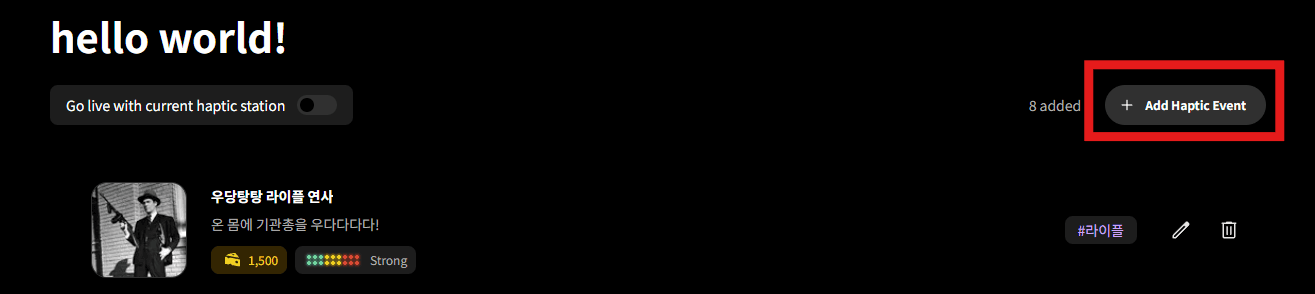
Click Add Haptic Event
Click the "Add Haptic Event" button on the station general page. To edit an existing event, click the "Edit" button in the list.
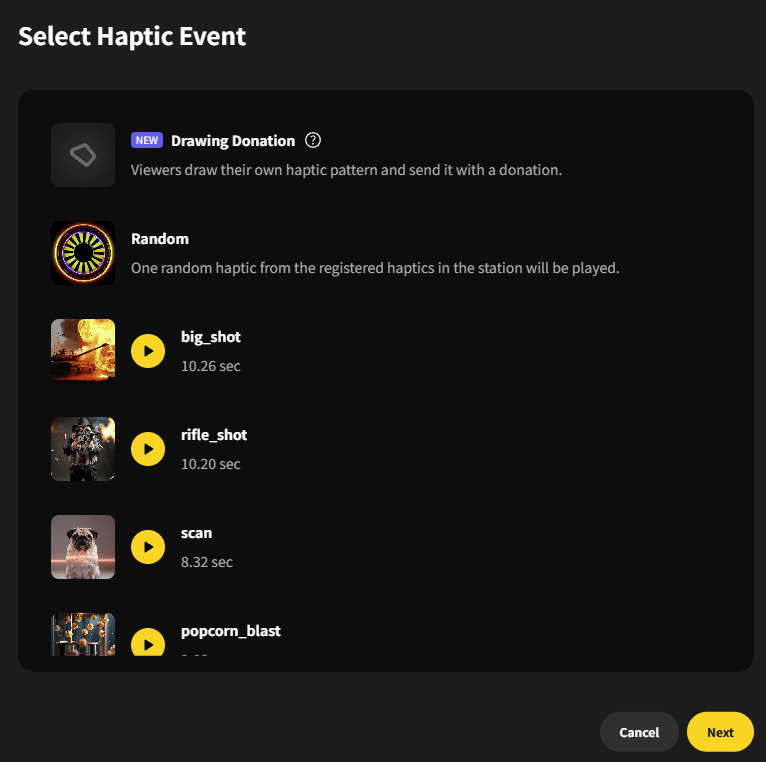
Select Haptic Event
Select the haptic you want to use from the list and click "Next". Random haptic plays a randomly selected haptic from the station. Use the preview button to test the haptic on your device.
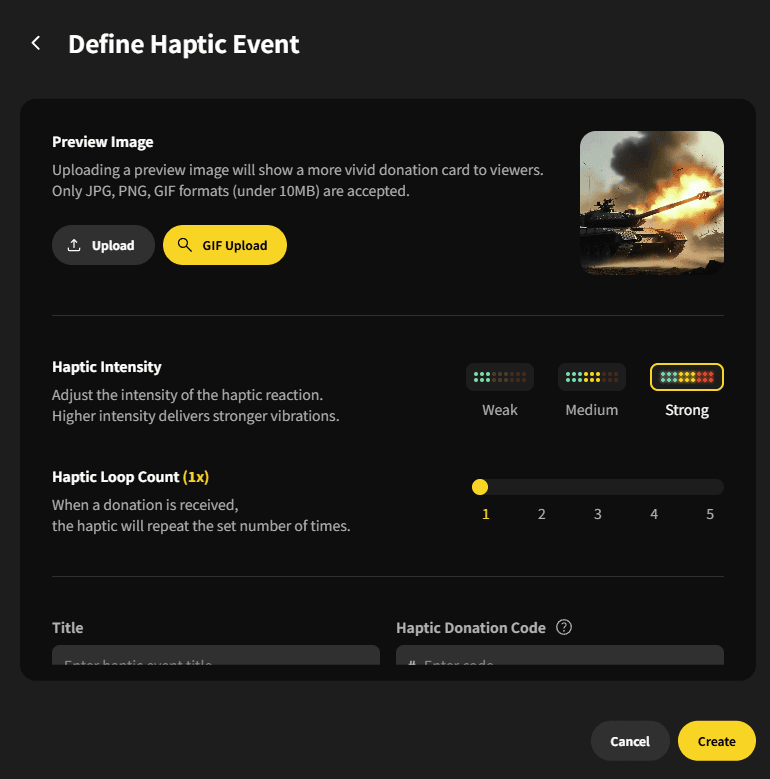
Configure Haptic Event
Preview Image (Thumbnail): Upload an image that matches the haptic. GIFs are also supported. Haptic Intensity: Choose from Low / Medium / Strong. Haptic Loop Count: Set the number of repetitions when triggered. (1-5 times)
Enter Haptic Event Details
Title: Enter a name for the event. (e.g., Electric Shock, Explosion, Relaxing Massage) Haptic Code: The code viewers enter in donations. Freely set between 1-8 characters. Minimum Donation Amount: When enabled, the haptic only triggers above this amount. Description: Freely describe the haptic's characteristics.
Create Haptic Event
Click the "Create" button to save the haptic event. You can verify the newly created event on the station general page.