
Installing bHaptics Player
bHaptics Player (Windows) is an essential utility for recognizing and using bHaptics devices on your PC.
If you have already installed the bHaptics PC Player, you can skip this step.
1
Download bHaptics Player
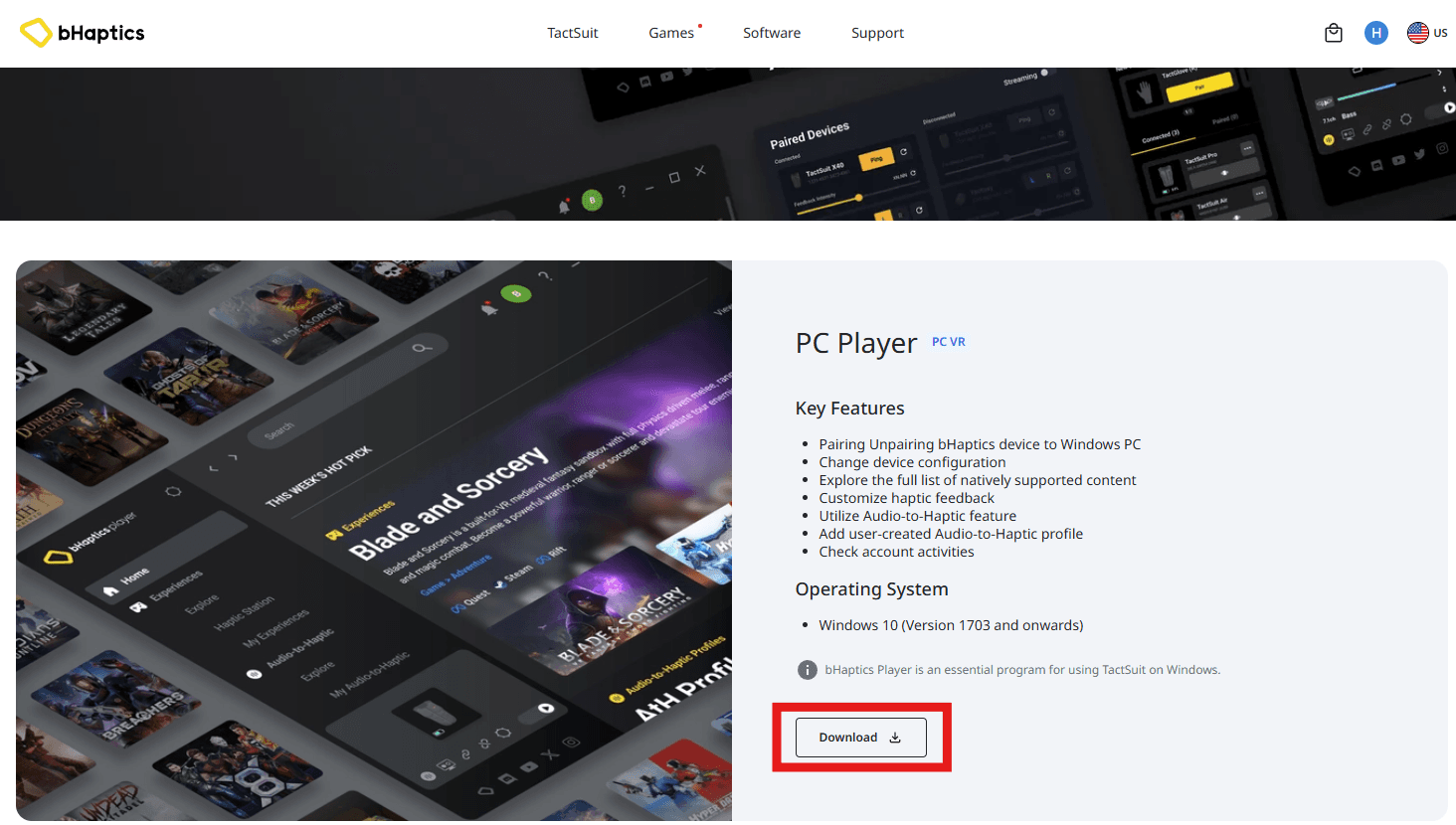
Download the Windows Player from the bHaptics Player download page. Run the downloaded installer to install bHaptics Player.
2
Pair TactSuit
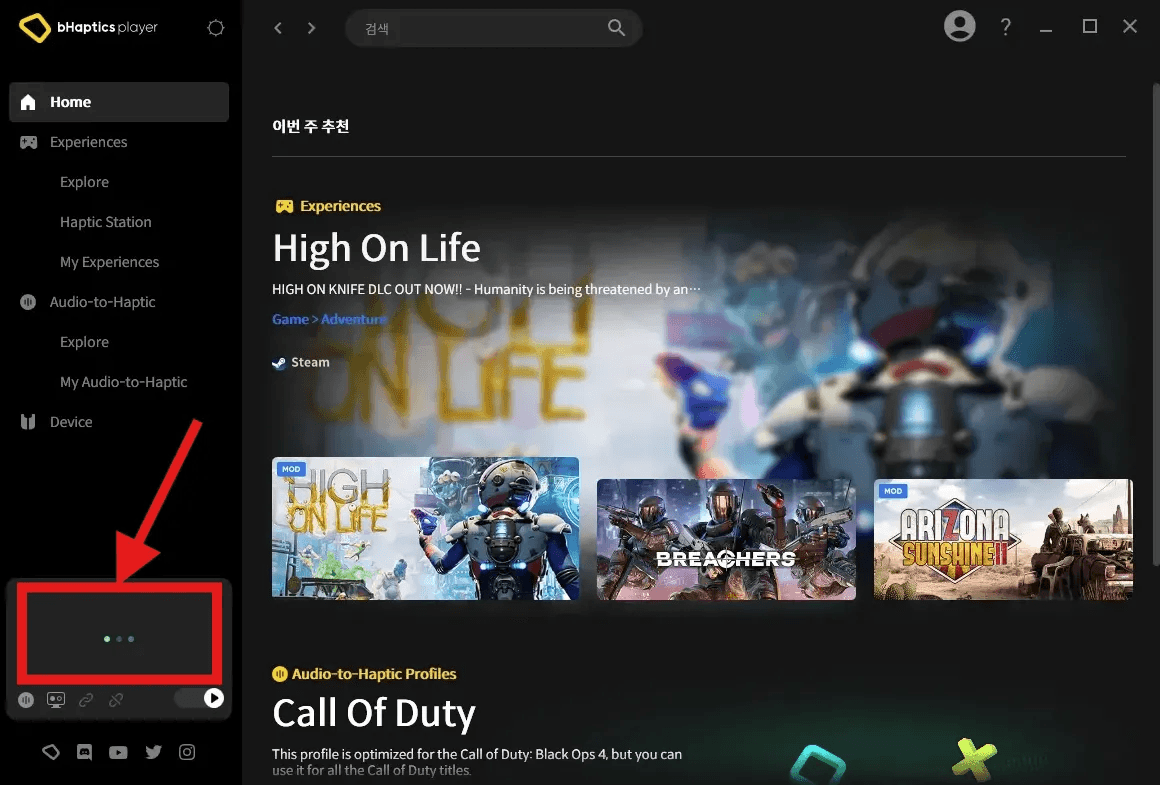
Press the power button on the TactSuit to turn it on. Insert the included Bluetooth dongle into a USB port on your PC. (Using the dongle is recommended even if your motherboard supports Bluetooth.) Launch bHaptics Player and click the TactSuit icon displayed on the screen.
3
Keep Player Running
Once the TactSuit is successfully paired, the connection screen will appear. During bHaptics Live streaming, keep bHaptics Player minimized without closing it.