
Viewer Text Donation
How viewers select haptics and send them with text donations during a stream.
Access Station URL
Access the station link shared by the streamer while they are On Air. Both PC and mobile browsers are supported.
Browse Haptics
View each haptic's thumbnail, title, price, and description in the station list. Click "View Details" for more information and a visualized haptic preview.
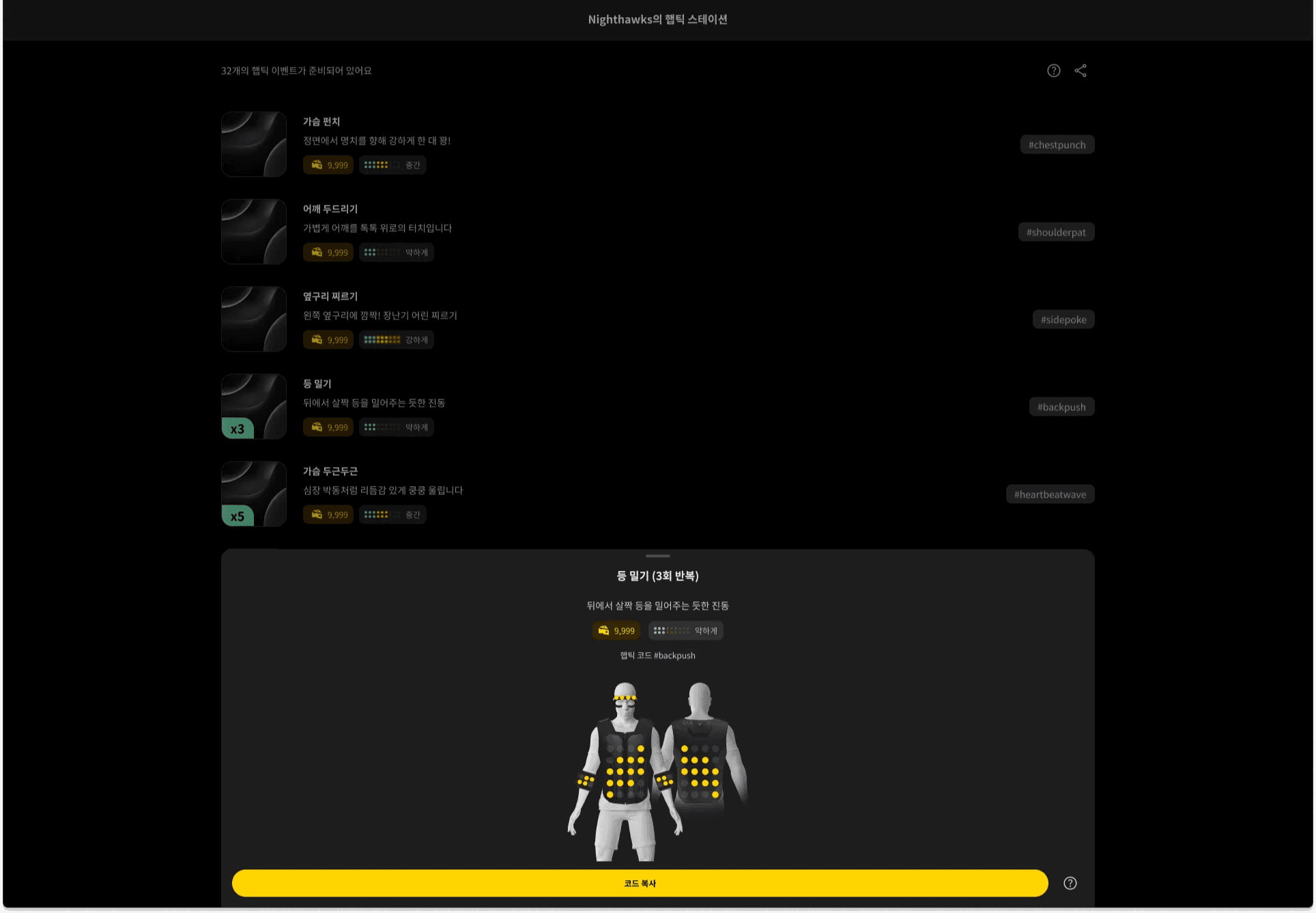
Copy Haptic Code
Select your desired haptic and click the "Copy Code" button to copy the haptic code to your clipboard.
Paste in Donation
Paste the copied haptic code into the text donation input field.
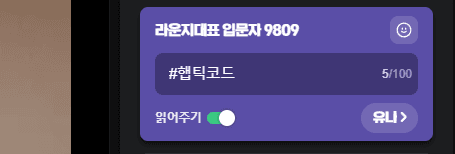
Haptic code and message combination examples: #hapticcode Hello (O) Hello #hapticcode (O) Hel#hapticlo code (X) — Other text cannot be inserted in the middle of the code.
Haptic Response
Once the text donation is sent, bHaptics Live detects the code and immediately delivers the haptic to the streamer's bHaptics device.