
Adding Haptics (Video Donation)
Configure haptics to react to video donation sounds automatically.
1
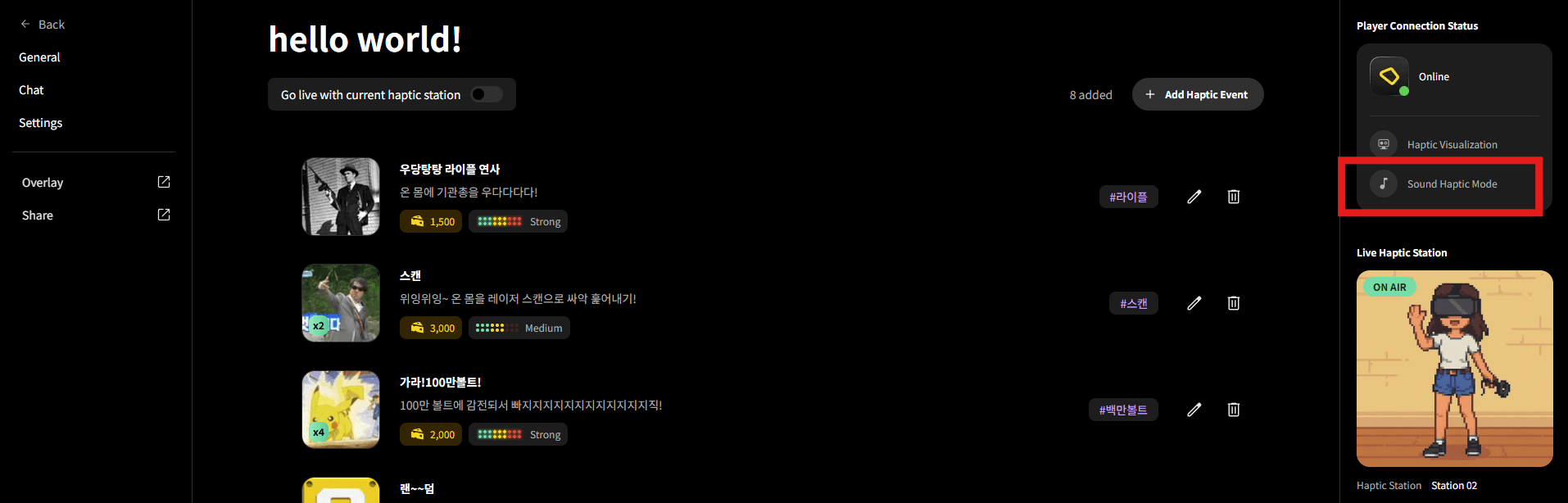
Activate Sound Haptic Mode
Click "Sound Haptic Mode" in the right sidebar to activate it. You can also click the music note icon in bHaptics Player. When enabled, all PC audio will be converted to haptics.
2
Receive Video Donations
When a video donation arrives during streaming, Audio-to-Haptic automatically converts the video's sound to haptics. Individual haptic events from text donations can also work simultaneously.
Combine sound-based haptics from video donations with text donation haptics for an even more intense haptic experience!